
We just sold an item on leboncoin, the buyer has paid, and the messaging displays a Mondial Relay QR code. Now we need to understand what to do with this code, where to print it, and especially what happens if we don’t have a printer on hand. The Mondial Relay shipping slip on leboncoin works differently from a standard Colissimo, and it’s often at this stage that occasional sellers waste time.
QR code or paper label: what leboncoin really generates with Mondial Relay

When selecting Mondial Relay as the carrier on leboncoin, the platform does not produce a standard PDF shipping label. It generates a QR code, accessible from the conversation with the buyer or from the “My sales” tab.
This QR code contains all the information about the package: destination relay point address, tracking reference, declared weight. It is the retailer at the relay point who scans this code and prints the label on-site. Therefore, in most cases, there is no need to print anything at home.
Where it gets complicated is when the relay point encounters a technical issue (printer malfunction, faulty scanner) or when one prefers to arrive with a pre-attached label to save time. In this case, mastering the printing of the shipping slip from Le Bon Coin from a computer or phone becomes a real safety net.
Print the Mondial Relay shipping slip without a home printer
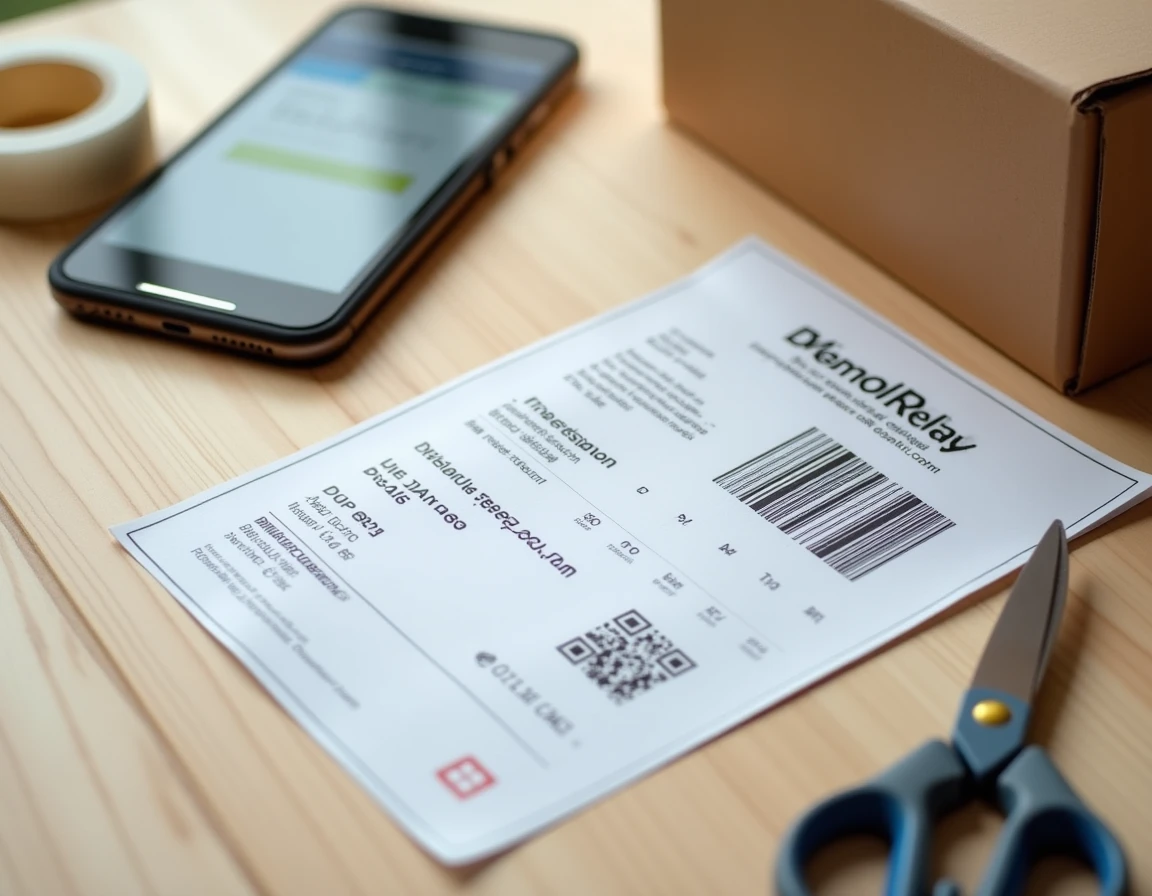
Most guides present sending via QR code as a frictionless procedure. In practice, we often encounter situations where a paper document still needs to be produced.
Printing at the relay point
Mondial Relay offers the printing of the label directly within its network. The retailer scans the QR code displayed on the phone screen, then edits the label with their own equipment. The label is affixed to the package in front of us, allowing us to verify that the information is correct before leaving.
Feedback varies on this point: some relay points do it without difficulty, while others require the seller to arrive with the label ready. There is no uniform rule across the entire network.
Alternatives when the relay point cannot print
- Municipal libraries and coworking spaces often provide a printer, sometimes for free or for a few cents per page.
- Copy shops or stationery stores can print a PDF from a USB stick or an email, resulting in a clean output on standard paper.
- A friend with a printer remains the quickest solution: we transfer the screenshot of the QR code or the PDF of the slip via messaging.
In all cases, the QR code must remain readable: sufficient contrast, no creases on the code, minimum size respected. A code printed too small or on wrinkled paper will be rejected during scanning.
What happens when the seller has exceeded the shipping deadline
Leboncoin sets a deadline for dropping off the package after the sale is validated. If this deadline is exceeded, the transaction may be automatically canceled by the platform, and the payment is refunded to the buyer.
In practical terms, the QR code or the generated slip becomes unusable. The relay point can no longer scan a code linked to a canceled shipment. No follow-up or extension is possible from the seller interface once the cancellation is effective.
This scenario often occurs when we delay printing the slip or wait to find a printer. The workaround is simple: as soon as the sale is confirmed, we immediately save the QR code as a screenshot on our phone. Even without a printer, we can go to the relay point with this screenshot as long as the deadline is still running.
If the package is refused at drop-off
The retailer at the relay point physically checks the package at the time of drop-off. An opened package, a weight clearly exceeding what was declared on leboncoin, or dimensions outside the norms for the Mondial Relay network will lead to a refusal.
Refusal at drop-off does not automatically generate a cancellation: we can correct the packaging and return to another relay point as long as the shipping deadline has not expired. However, if the problem arises from the weight declared in the listing, we will need to contact leboncoin support to adjust the situation, which takes time.
Mondial Relay shipping slip on phone: limits to know
Displaying the QR code directly on the smartphone screen is the most common method. We open the conversation with the buyer in the leboncoin app, access the sale tracking, and the QR code appears.
Two problems frequently arise:
- The screen brightness is too low, preventing the relay point scanner from reading the code. Increasing the brightness to maximum before arriving at the counter helps avoid blocking the line.
- The phone locks during the wait, and finding the QR code in the app takes time. A screenshot saved in the photo gallery is more reliable than navigating the app at the counter.
- Some phone models display the QR code with a blue light filter activated, which alters the contrast. Disabling this filter before scanning resolves the issue.
For regular sellers on leboncoin, keeping a dedicated folder for shipping slip screenshots on the phone allows for quick retrieval of each shipment in case of disputes or follow-ups with the buyer.
The Mondial Relay shipping slip via leboncoin relies on a system designed to work without a printer. The reality on the ground shows that saving the QR code as soon as the sale is confirmed, checking the readability of the code before drop-off, and respecting the shipping deadline are sufficient to avoid the vast majority of blockages.