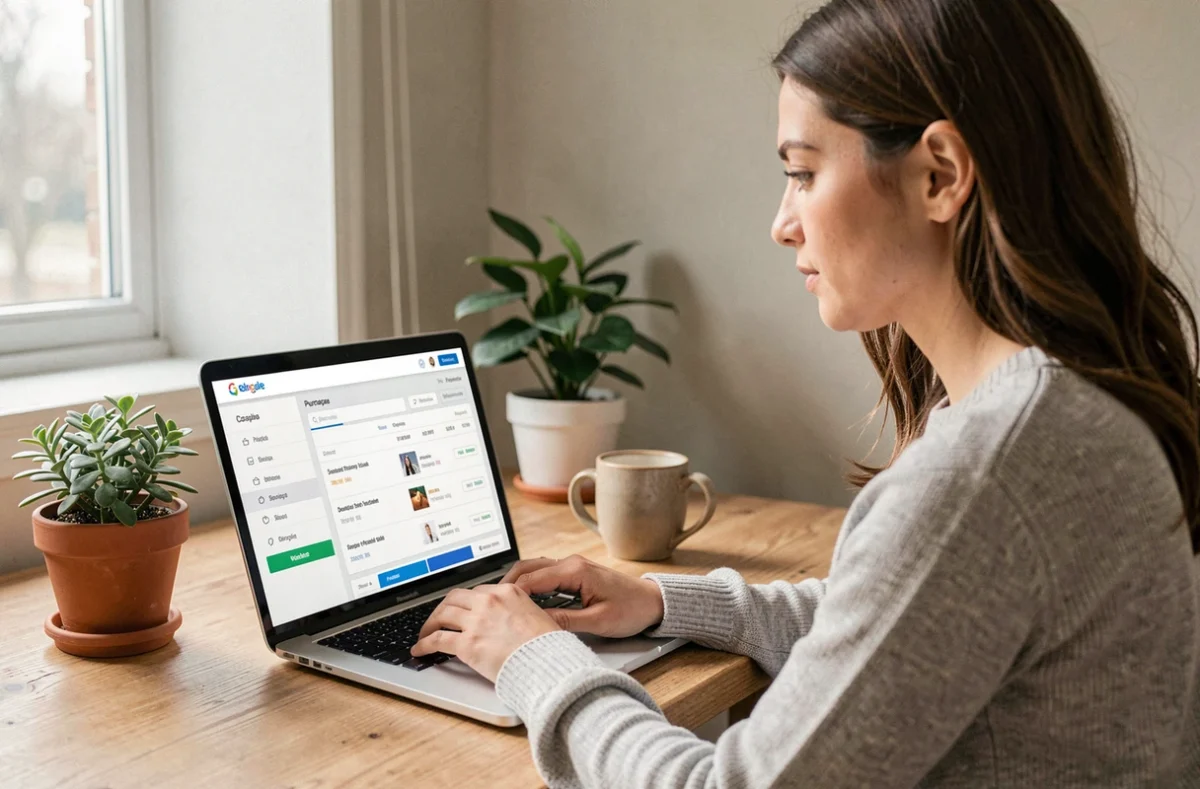
Every Carrefour checkout generates a purchase receipt, but finding this document a few days later often poses a problem. Since the end of the systematic printing of receipts in France, tracking expenses relies more on the digital tools offered by the brand. Understanding the difference between a digital receipt, purchase history, and an accounting invoice allows for using the right channel for each need.
Carrefour digital receipt and invoice: two distinct documents
The receipt, whether paper or sent by email, summarizes the items purchased and the amounts paid. The invoice, on the other hand, includes additional legal mentions (VAT number, billing address, sequential number) that make it usable for accounting purposes.
In the Carrefour customer area, the online order history provides access to a detailed summary. This summary may be sufficient for personal use, but it does not always constitute an accounting invoice. Transactions related to the Carrefour Club Card or the PASS Card allow tracking promotional benefits in the app, without the generated document having the value of an invoice in the fiscal sense.
For professionals or mixed-use purchases, it is necessary to check that the downloaded document includes all mandatory mentions. A comprehensive guide allows you to manage your Carrefour invoices online by identifying the right screens and formats.
End of automatic receipt: what the regulations change for your Carrefour purchases
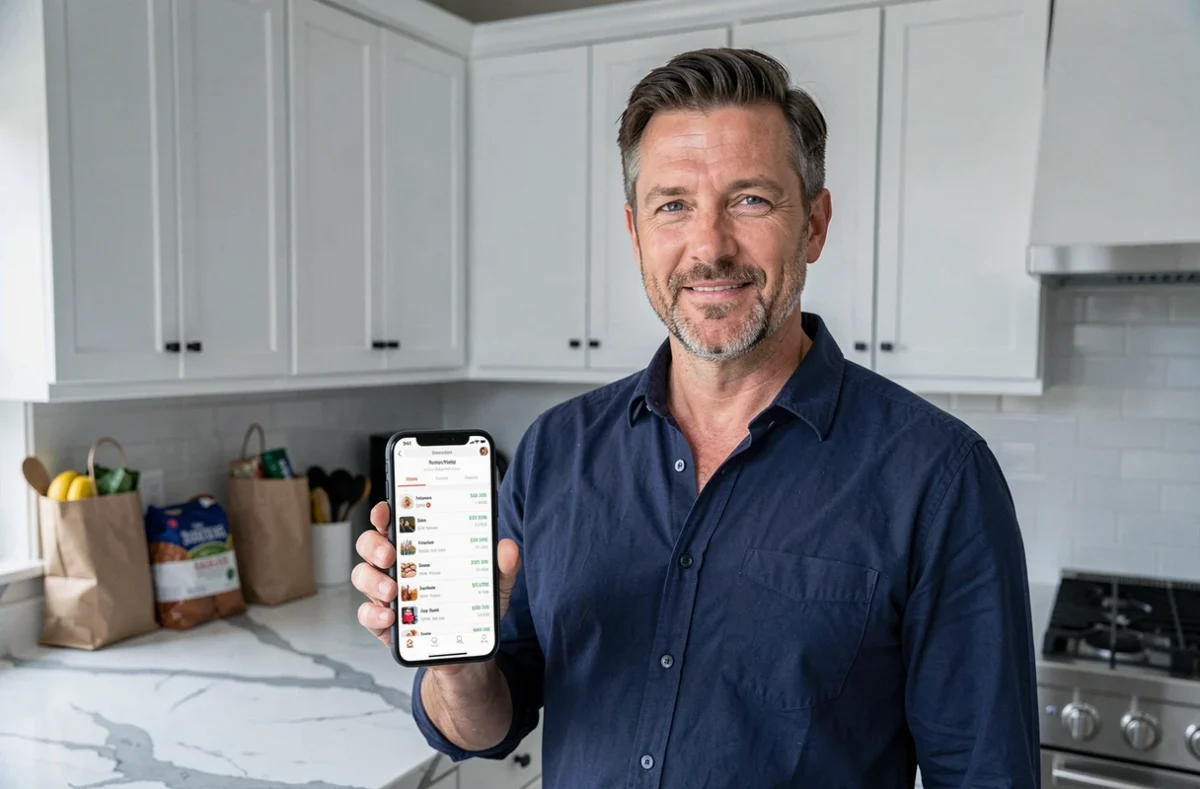
Since August 1, 2023, the automatic printing of receipts is no longer the rule in France. The customer can still request a paper receipt, with no minimum amount required. This detail is important when an in-store purchase does not immediately appear in the digital space.
At the same time, regulations do not require retailers to provide a digital receipt. Carrefour offers sending by email or via the loyalty app, but this service remains at the merchant’s discretion. There is no obligation to create a specific account, choose an approved platform, or change the payment method to obtain a receipt.
In practice, two situations coexist:
- Online purchases (drive, delivery) generate a summary accessible in the “My Orders” section of the Carrefour account, downloadable in PDF format.
- In-store purchases appear in the app’s history only if the loyalty card was presented at checkout.
- Purchases paid without a loyalty card and without requesting a paper receipt leave no usable digital trace, except via the bank statement.
Systematically associating your loyalty card with each purchase remains the most reliable way to maintain a consultable history.
Finding your Carrefour purchases from the customer area and the app
The “My Orders” section on the Carrefour website gathers purchases made via drive or home delivery. For each order, a button allows you to download the summary. The issuance of this document remains possible for one year after the order date, according to information from Carrefour customer service.
The Carrefour mobile app, on the other hand, centralizes in-store purchases linked to the loyalty account. Consultation is done section by section, with a date filter. The displayed details include items, quantities, and unit prices.
Several points deserve attention to avoid wasting time:
- The login ID is often the email address associated with the loyalty card. In case of doubt, the password reset procedure allows you to verify which email is linked to the account.
- Purchases made with an old loyalty card not merged with the online account do not appear automatically. You must contact customer service to request the linking.
- The PDF format generated from the customer area does not always include the required mentions for an accounting invoice. Check for the presence of the VAT number and billing address before sending the document to an accountant.
Carrefour invoices for suppliers: a separate circuit
The invoicing process between Carrefour and its general expense suppliers follows a completely distinct circuit from the public space. Supplier registration goes through the SAP Ariba platform, and no invoice can be processed without a prior purchase order.
Orders are sent by email from the SAP Ariba tool, which replaces the old non-merchandise purchasing system. Each supplier must register via a link received by email, and the response time conditions the creation of the account. Without validated registration, no purchase order can be issued.
This circuit does not concern individuals, but confusion is common when searching online for Carrefour invoicing. Pages intended for suppliers mention processing times, file formats, and internal references that have no relation to a customer’s purchase history in-store or via drive.
For an individual seeking a receipt, the “My Orders” section and the loyalty app remain the only two access points. Requesting a paper receipt at the time of purchase remains the simplest fallback solution when the digital space is insufficient, especially for product returns or refunds that sometimes require an original receipt.